


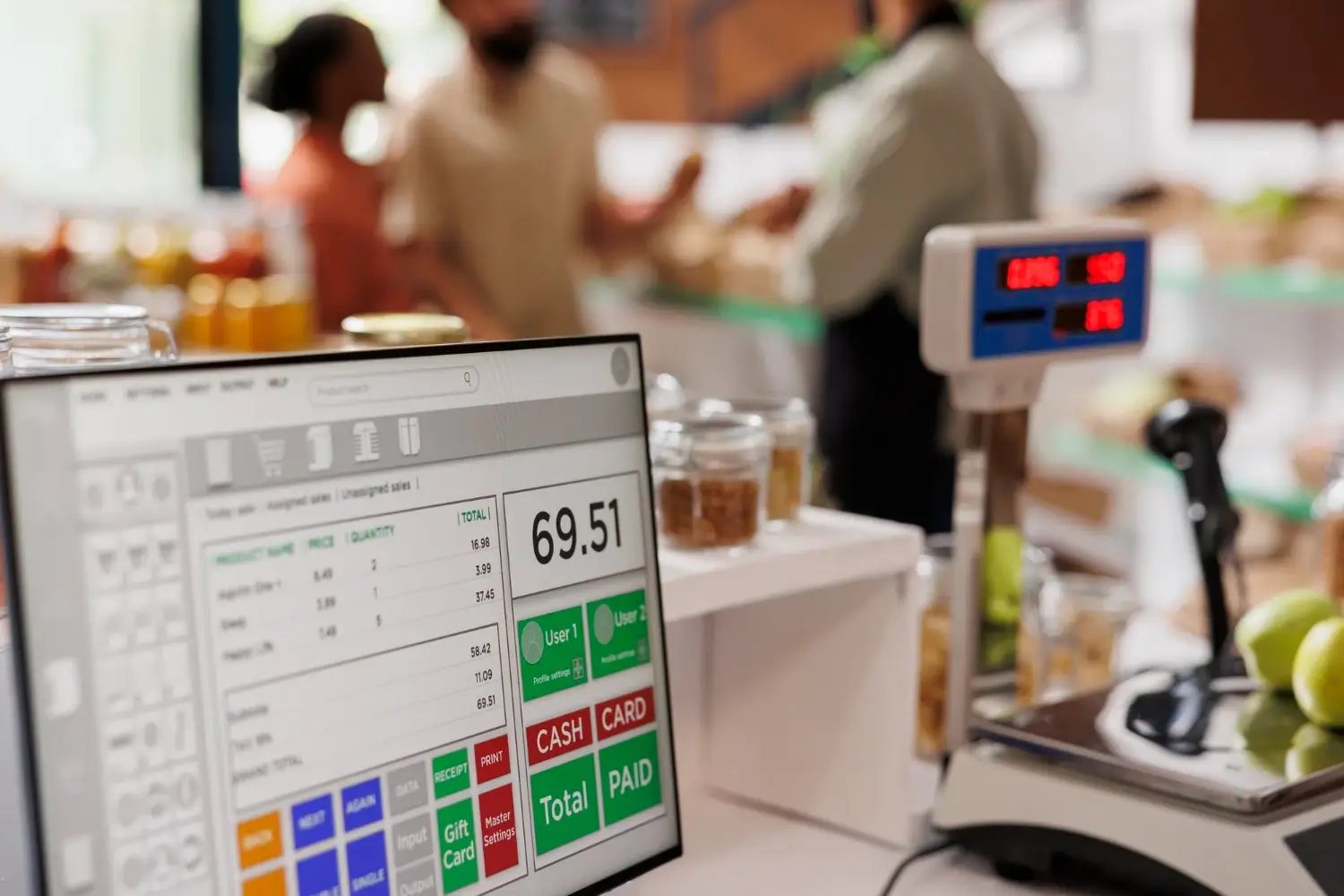
If you run a business in Kenya in 2026, implementing M-Pesa POS integration Kenya solutions isn’t just an option-it is the standard for survival. With over 30 million active M-Pesa users driving the retail economy, businesses that fail to integrate mobile money into their Point of Sale systems risk losing significant revenue to competitors who offer seamless checkout experiences
However, a simple “till number” displayed on the wall isn’t enough anymore. Modern customers expect an instant STK push on their phones and immediate confirmation on your screen. Manual reconciliation is a dangerous and outdated practice.
At Techrise Glow Ltd, we have deployed dozens of successful projects across Nairobi, from supermarkets to pharmacies. In this guide, we walk you through the exact process to achieve seamless integration, ensuring you stay compliant with KRA eTIMS and ahead of your competition.
Why M-Pesa POS Integration is Critical in 2026
Integrating M-Pesa directly into your POS system transforms your business operations. It eliminates the dangerous gap between “payment received” and “goods handed over” that plagues manual systems.
- Real-Time Reconciliation: The transaction hits your POS the second the customer enters their PIN. No more asking, “Can I see your phone?” This is the primary benefit of professional M-Pesa POS integration Kenya setups.
- eTIMS Compliance: The Kenya Revenue Authority is cracking down on cash sales. An integrated POS with proper M-Pesa POS integration Kenya configuration automatically creates a digital audit trail for every transaction, keeping you compliant.
- Enhanced Customer Experience: Speedy checkouts and automatic digital receipts improve satisfaction. Customers in Kenya now expect seamless M-Pesa integration experiences everywhere they shop.
- Inventory Accuracy: When a payment is linked to a sale, your stock levels update instantly, preventing overselling.
Prerequisites: What You Need Before Starting Your Project
Before diving into the technical configuration, ensure your business has the following foundations in place:
- A Safaricom Business Number: You must have an active Paybill or Buy Goods Till Number ready for M-Pesa POS integration Kenya.
- A Modern POS System: Your POS software must have open APIs or native support. Not all systems are built for proper integration.
- Safaricom Daraja API Account: Register at http://developer.safaricom.co.ke to access live API keys.
- Reliable Internet: M-Pesa APIs require stable Fibre or 4G/5G connectivity.
- KRA PIN & eTIMS Readiness: Ensure your business is registered for electronic Tax Invoice compliance.
Step-by-Step: How to Achieve M-Pesa POS Integration Kenya
There are two ways to approach this: Direct API Integration and Partner-Led Integration. Here is the step-by-step process for successful M-Pesa POS integration Kenya.
Step 1: Register on Safaricom Daraja Portal
Visit the Safaricom Developer Portal. Create an account and navigate to the “My Apps” section. Apply for the Lipa Na M-Pesa Online (STK Push) API. You will receive a Consumer Key and Consumer Secret. Treat these like your bank PIN. This is the foundation of any M-Pesa integration project.
Step 2: Choose Your Integration Method
- Option A: Direct API: If you have an in-house developer, they will code the connection. This requires deep knowledge of M-Pesa POS integration Kenya protocols.
- Option B: Certified POS Partner (Recommended): For 90% of SMEs, the best route is using a provider like Techrise Glow Ltd that specializes in M-Pesa POS integration Kenya and has already done the heavy lifting.
Step 3: Configure Your POS Payment Module
Once you have your API keys:
- Log in to your POS system’s admin dashboard.
- Navigate to Settings > Payment Methods.
- Select Add M-Pesa / Lipa Na M-Pesa.
- Input your Paybill/Till Number and link your Daraja API credentials.
- Crucial Step: Configure the Callback URL. This must be a live, secure HTTPS endpoint for successful integration.
Step 4: Enable and Test STK Push
STK Push is the gold standard for payments in Kenya. When a cashier enters the total amount, the POS automatically sends a request to Safaricom. The customer’s phone prompts them to enter their PIN. Upon success, the POS screen immediately marks the invoice as “Paid.” Test with KES 10 to ensure your M-Pesa POS integration Kenya works perfectly.
Step 5: Sync with eTIMS for KRA Compliance
This is non-negotiable in 2026. Your POS must automatically generate an e-invoice for every M-Pesa transaction. Ensure your setup includes automatic data pushing to KRA servers in real-time, generating compliant QR codes on receipts.
Common M-Pesa POS Integration Kenya Challenges
Many businesses attempt DIY integration only to face errors. Here are the most common issues:
- The Callback URL Error: If your URL isn’t publicly accessible with SSL, Safaricom rejects the transaction.
- Network Latency: In areas with poor signal, the STK push might be delayed.
- Mismatched Transaction Amounts: Integrated systems eliminate this by pulling the exact amount from the invoice total.
Why Kenyan SMEs Trust Techrise Glow Ltd for M-Pesa POS Integration
Navigating the intersection of Safaricom APIs, POS hardware, and KRA tax laws can be overwhelming. That is why businesses choose us for their M-Pesa POS integration Kenya needs.
Techrise Glow Ltd, based in Westlands, Nairobi, is not just a software vendor-we are your digital transformation partner specializing in M-Pesa POS integration Kenya.
- End-to-End Setup: We handle Daraja registration, API configuration, hardware setup, and staff training.
- eTIMS Certified: Our solutions meet KRA’s strict requirements.
- Local Support: You speak to a Kenyan technician who understands M-Pesa POS integration Kenya challenges.
- Scalable Solutions: From single shops in Thika to multi-branch enterprises.
Ready to streamline your payments and ensure full compliance?
Contact Techrise Glow Ltd todayhttps://techriseglow.co.ke/contact/ for a free consultation and demo.